

Best TV Stands UK: How to Choose the Right Media Unit for Your Living Room
Your TV stand anchors the most-watched wall in the house, yet it rarely gets the same thought as a sofa or dining table. The right unit balances your screen at a comfortable viewing height, hides cables and consoles, and sets the visual tone for the whole room. The wrong one wobbles under the weight, leaves wires trailing, or makes a 55-inch screen look like it is hovering over a chopping board. In our current collection, MeetFelix brings together TV stands and media units from boutique UK retailers in oak, walnut, mango wood, and engineered finishes -- so you can compare options side by side without visiting a dozen websites.
This guide covers sizing, materials, cable management, and style so you end up with a TV stand that earns its place in the room.
What Size TV Stand Do You Need?
Your TV stand should be at least 15-20 cm wider than your television on each side for a balanced, grounded look. A 55-inch TV measures roughly 125 cm wide, which means a stand of 150-170 cm works well. A 65-inch set (about 145 cm wide) needs a unit of 160-180 cm or more.
Here is a quick sizing reference:
TV Size | TV Width (approx.) | Minimum Stand Width | Recommended Stand Width |
|---|---|---|---|
43" | 97 cm | 120 cm | 130-150 cm |
50" | 112 cm | 135 cm | 140-160 cm |
55" | 125 cm | 150 cm | 150-170 cm |
65" | 145 cm | 165 cm | 170-190 cm |
75" | 168 cm | 185 cm | 190-210 cm |
Weight matters as much as width. Larger TVs can weigh 20-30 kg, and a stand that flexes or bows under load is not just unsightly -- it is a safety risk. Check the listed weight capacity and choose one that exceeds your TV's weight by a comfortable margin.
Standard TV stand height sits between 45 and 55 cm. At that height, a 55-inch screen centres at roughly seated eye level (100-110 cm from the floor), which is the sweet spot for comfortable viewing from a standard sofa. If your seating is lower than average, go for a shorter unit; if you watch from a dining table or high-backed armchair, a taller stand keeps your neck neutral.
Materials: What Lasts and What Looks Good
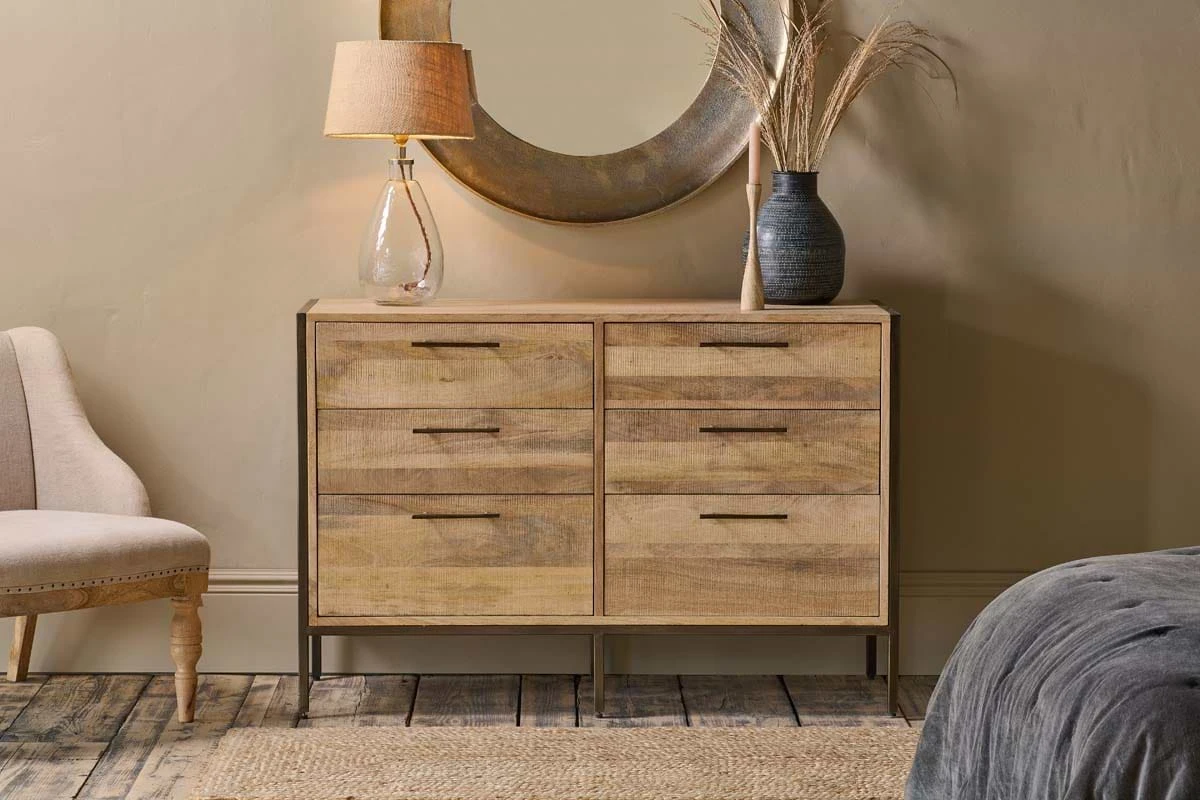
The material of your TV stand determines how it ages, how it handles weight, and how it fits your room's palette. Solid hardwoods -- oak, walnut, mango wood, acacia -- develop character over decades and comfortably support heavy screens. Engineered wood (MDF with veneer) offers cleaner lines and a more uniform finish at a lower price, though it does not sand and refinish the way solid timber does.
Here is how the most common materials compare:
Material | Durability | Weight Capacity | Price Range | Best For |
|---|---|---|---|---|
Solid Oak | Excellent | High (40 kg+) | £400-£1,200 | Traditional, Scandi, and rustic rooms |
Walnut | Excellent | High (40 kg+) | £500-£1,500 | Warm contemporary and mid-century schemes |
Mango Wood | Very Good | High (35 kg+) | £300-£900 | Industrial, boho, and textured interiors |
Engineered Wood (MDF) | Good | Medium (25-35 kg) | £150-£500 | Clean modern and budget-friendly setups |
Metal + Wood | Very Good | High (40 kg+) | £250-£800 | Industrial and minimalist rooms |
If you already have other furniture in a particular timber, matching the wood tone across pieces creates cohesion without the room feeling like a showroom set. A walnut TV stand ties in naturally with walnut-legged dining tables or side tables, for example.
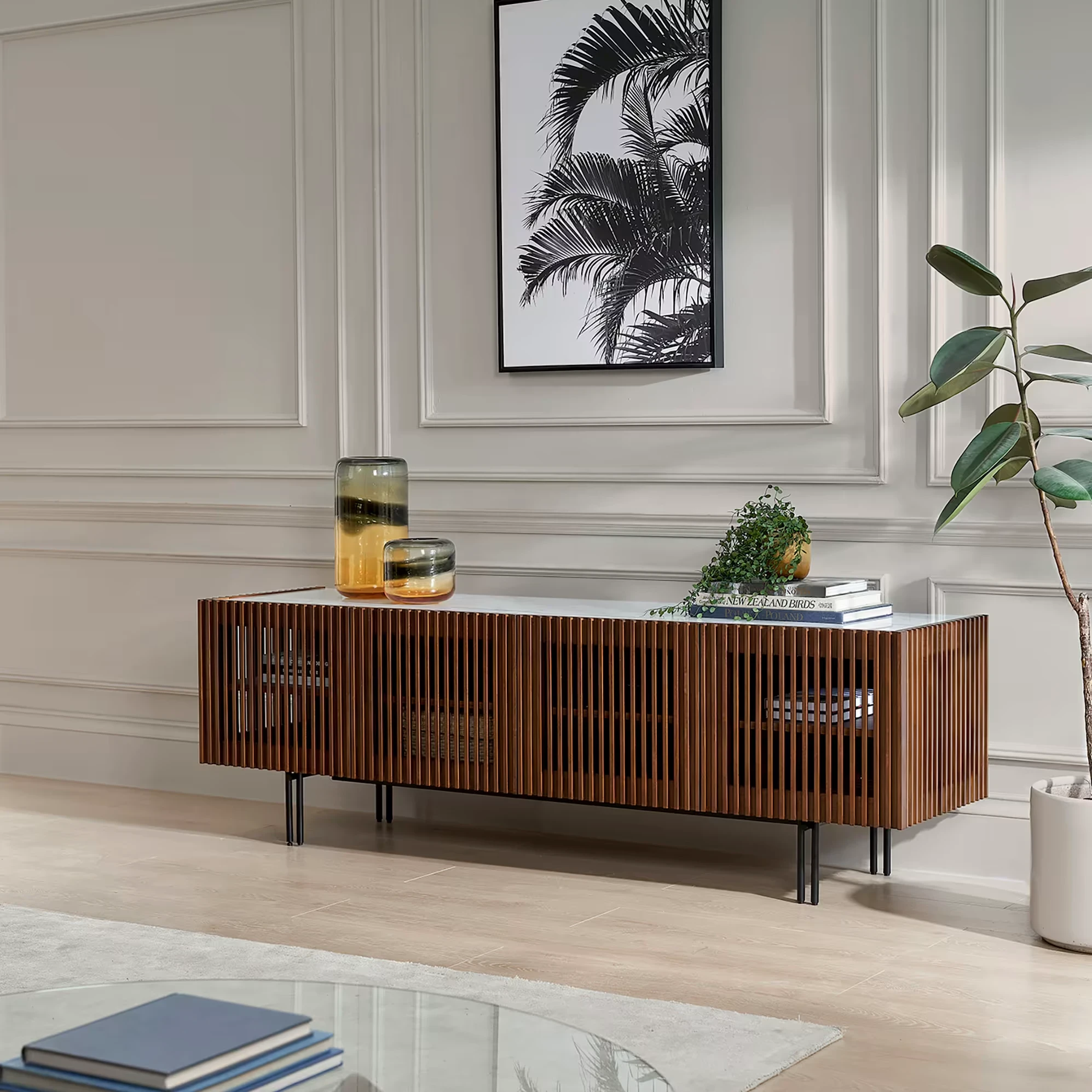
For rooms where the TV stand sits against a painted or panelled wall, pale oak or white-lacquer finishes keep the unit from competing with the backdrop. In darker, warmer interiors, rich walnut or dark-stained mango wood adds depth.
![Large Chamfered Edge Media Unit [Walnut]](https://zpeqbrudpqjbpfhmntcb.supabase.co/storage/v1/object/public/product-images/konk-furniture/chamfered-edge-media-large-walnut/original/929dcb137a0b.webp)
TV Stand Styles: Floating, Freestanding, and Corner Units
The three main TV stand styles -- floating, freestanding, and corner -- each suit different rooms and priorities. Floating units work best in compact modern spaces, freestanding offers the most storage flexibility, and corner units reclaim dead space in L-shaped or awkward layouts. Choosing the right type depends on your room shape, wall construction, and how often you rearrange.
Floating (Wall-Mounted) Units
Floating TV units mount directly to the wall, freeing up floor space and creating a sense of lightness that makes smaller rooms feel more spacious. They work well in modern and Scandi interiors, and make cleaning underneath effortless. The trade-off is that installation requires solid wall fixings (not suitable for all stud walls), and you lose some flexibility to rearrange the room later.
Freestanding Units
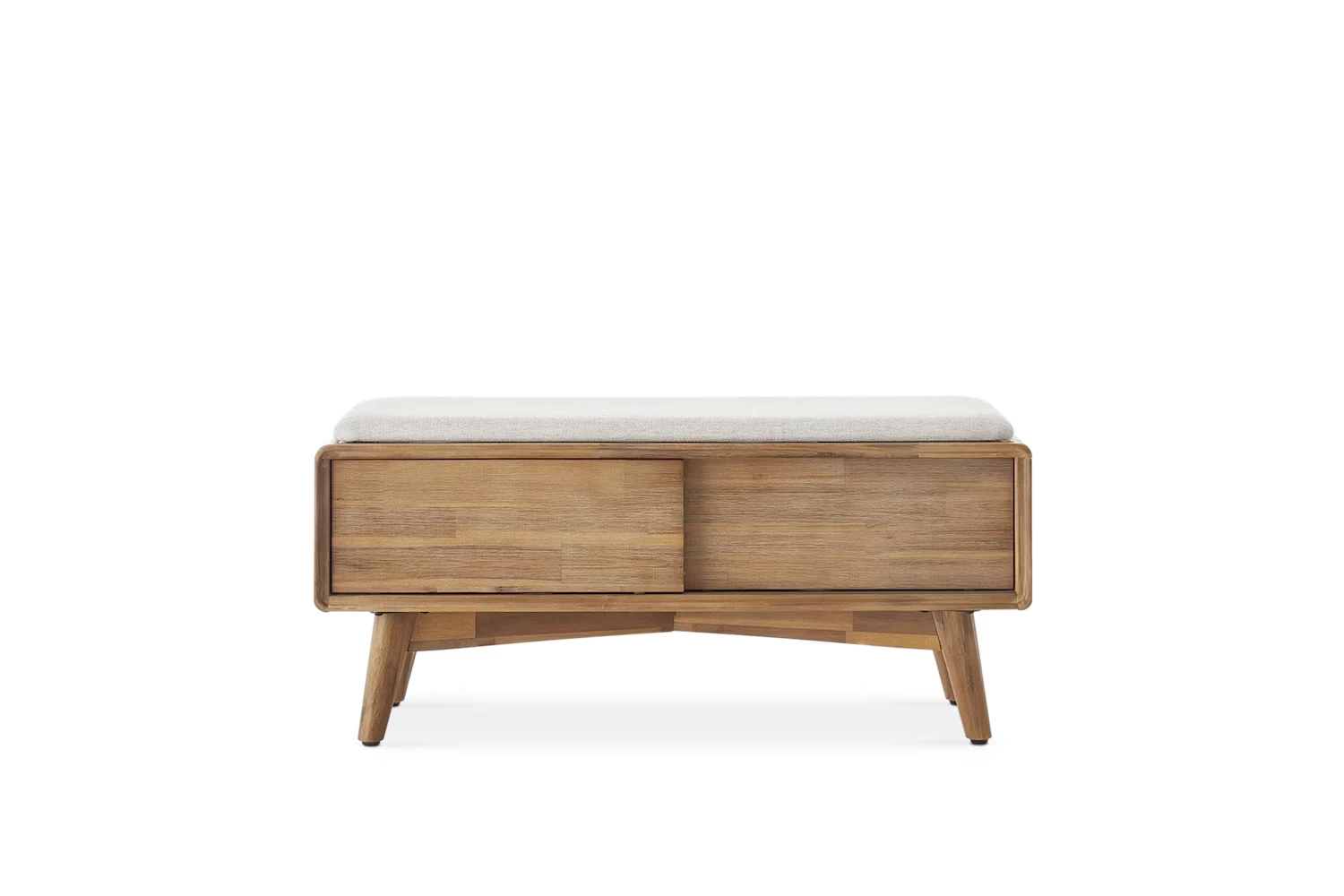
The most versatile option. A freestanding TV stand goes wherever you need it, no drilling required. Look for units with tapered or hairpin legs rather than a solid plinth base -- the visible floor beneath creates openness. Freestanding units offer the widest range of storage configurations: open shelves for set-top boxes, closed cupboards for clutter, and drawers for remotes, manuals, and games.
Corner Units
Corner TV stands turn otherwise dead space into a functional entertainment area. They are particularly useful in L-shaped rooms or smaller living spaces where centering a TV on a flat wall would eat into walkway space. The angle does mean you sacrifice some width, so measure carefully -- a corner unit that is too narrow for your screen looks unbalanced.
For more ideas on positioning furniture around your TV, see our guide to arranging living room furniture.
Cable Management: The Detail That Changes Everything
The most important feature most people overlook in a TV stand is cable management. Back-panel cutouts, internal trunking, and open-back shelving are the three things that separate a tidy entertainment setup from a tangle of wires. Even a £50 improvement in cable routing makes a £500 stand look twice as considered.
Look for these features when shopping:
Back-panel cutouts or channels -- holes routed into the rear panel let power cables, HDMI leads, and aerial wires pass through neatly.
Built-in cable trunking -- some units route cables through internal channels so they are completely hidden from view, even when you walk behind the unit.
Open-back shelving -- if you use a streaming stick, games console, or soundbar, an open-backed shelf gives you easy access for plugging in and swapping devices. Avoid fully enclosed shelves for electronics -- they trap heat.
Velcro cable ties -- even the best-designed stand benefits from a pack of reusable Velcro ties (about £5) to bundle cables together.
For wall-mounted TVs, a paintable cable trunk running down the wall to the stand gives the cleanest result without chasing cables into plaster. It takes 20 minutes to fit and transforms the look of the entire wall.
Ventilation: Protecting Your Electronics
Electronics in enclosed TV cabinets can overheat and shut down if there is not enough airflow. You need at least 5 cm clearance above and behind each device -- games consoles, streaming boxes, and AV receivers all generate significant heat during use. Open-back shelving is the simplest and most effective ventilation solution.
Leave at least 5 cm clearance above and behind each electronic device. Open-back shelving is ideal for ventilation. If you prefer the tidier look of closed cupboards, check for ventilation holes or mesh panels in the rear and sides of the unit. Some higher-end stands include integrated ventilation grilles designed to look like decorative detailing.
If your chosen stand has a solid-back enclosed section and you plan to house a games console inside it, consider removing the back panel entirely. The visual trade-off is minimal (it faces the wall), and the cooling benefit is substantial.
What to Spend: TV Stand Price Guide
Budget £200-£500 for a well-made engineered-wood TV stand, or £600-£1,500 for solid hardwood or designer options. The sweet spot for most UK homes is a solid-wood unit in the £400-£700 range -- durable enough to outlast several TV upgrades and heavy enough to feel stable under a large screen.
Budget | What You Get | Typical Materials |
|---|---|---|
£150-£350 | Well-designed engineered-wood units with clean lines and decent storage. Good for light-to-medium TVs. | MDF, particleboard with laminate or veneer |
£350-£800 | Solid wood or high-quality mixed-material units with better hardware, dovetail drawers, and superior cable management. Built to last 10+ years. | Solid oak, mango wood, metal frames |
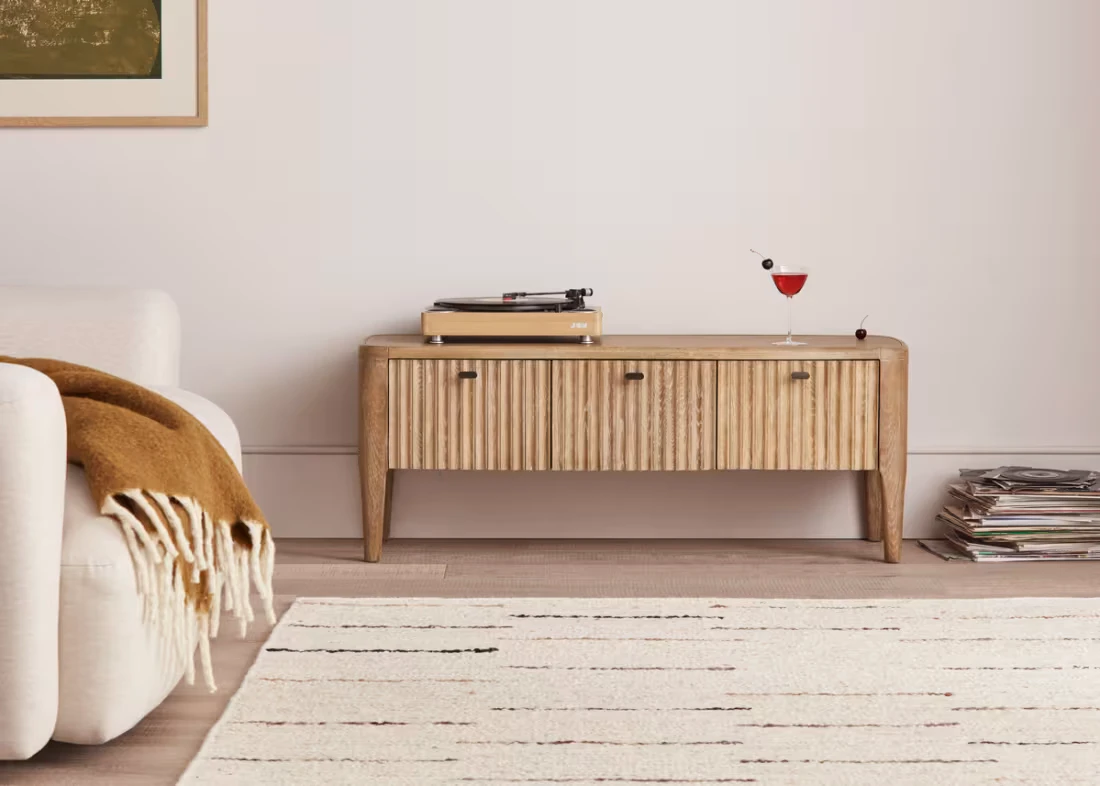
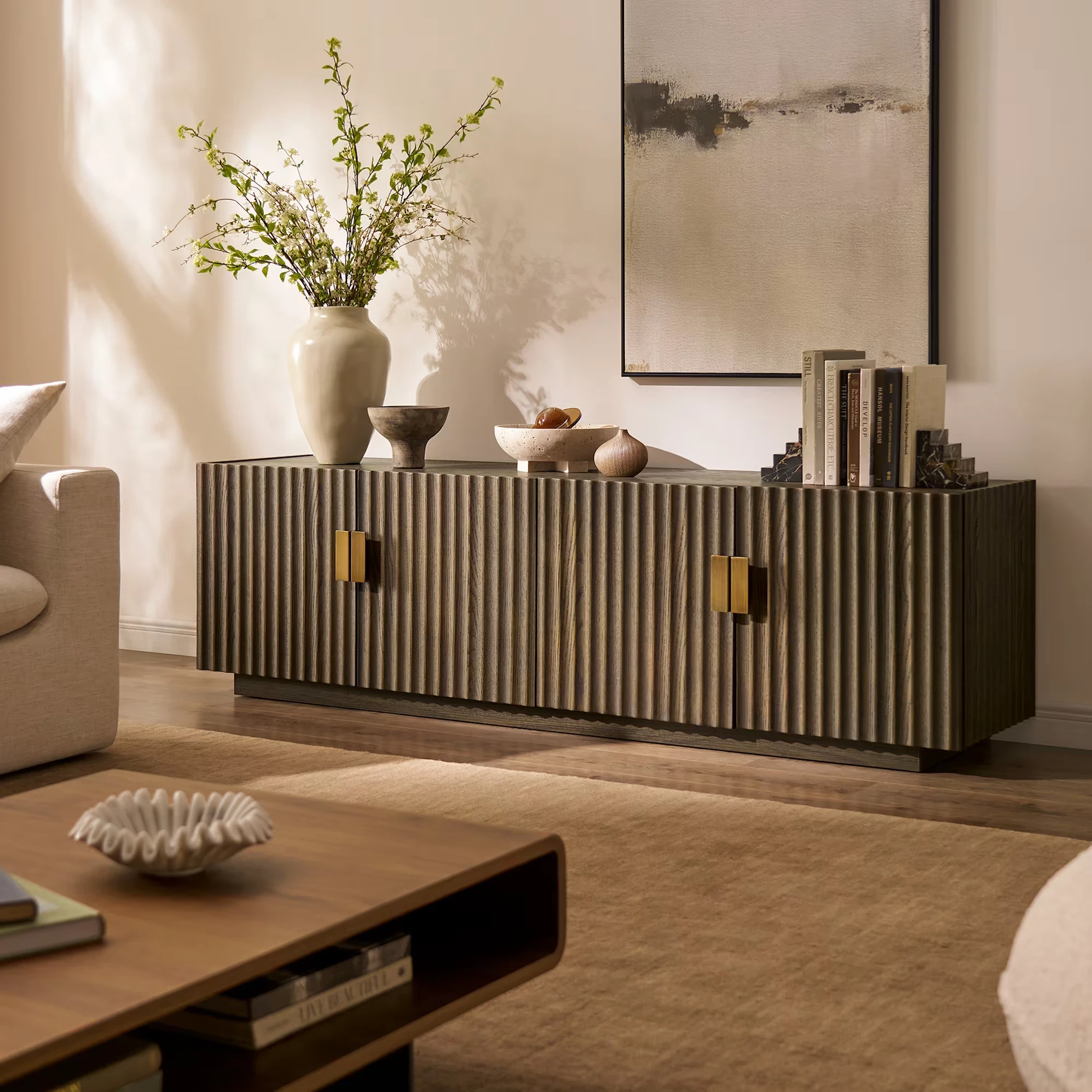
£800-£1,500+ | Designer or handcrafted pieces in premium hardwoods with distinctive detailing -- fluted fronts, slatted doors, brass hardware. Statement furniture. | Solid walnut, reclaimed teak, brass, marble accents |
A solid-wood TV stand in the £400-£700 range represents the sweet spot for most homes: durable enough to last through multiple TV upgrades, heavy enough to feel stable, and well-made enough to look good for years. If you are on a tighter budget, engineered-wood units around £200-£300 from reputable retailers offer genuine value -- just check the weight capacity before buying.
Browse TV stands and media units on MeetFelix to compare options across price ranges and materials.
How to Match Your TV Stand to Your Room
Scale, material, and height line are the three factors that determine whether a TV stand looks right in a specific room. Get all three wrong and even an objectively well-made unit feels out of place. Get them right and the TV wall becomes the most cohesive part of your living room.
Match the Scale
The stand should feel proportional to the wall it sits against. A narrow 120 cm unit on a 3-metre wall looks lost; a 200 cm unit in an alcove that is only 180 cm wide looks crammed in. Measure the available wall width and aim for a stand that fills 60-75% of that space.
Match the Material
If your room has warm wood tones -- an oak coffee table, walnut sideboard -- carry that through to the TV stand. Mixing too many wood species creates visual noise. One or two complementary timbers is the limit before a room starts to feel like a timber yard.
Match the Height Line
In a well-proportioned room, horizontal lines sit at consistent heights. If your sideboard and console table are 75-80 cm tall, a TV stand at 50 cm creates an awkward dip in the sightline. Where possible, choose a stand height that rhymes with other surfaces in the room -- not identical, but within the same visual register.
For a deeper dive into how proportion shapes a room, consider the scale and the 60/40 rule -- the idea that your largest piece of furniture should anchor roughly 60% of the visual weight, with smaller pieces balancing the remaining 40%.
Find the Right TV Stand
MeetFelix brings together TV stands and media units from boutique UK retailers so you can compare styles, materials, and prices in one place. Whether you want a solid oak media unit, a walnut TV stand, or a compact unit for a small living room, you can filter by size, material, and price to narrow the field quickly.
Browse all TV stands and media units to find the one that fits your room, your screen, and your budget.
Frequently Asked Questions
What size TV stand do I need for a 55-inch TV?
A 55-inch TV measures roughly 125 cm wide. For a balanced look, choose a stand between 150 and 170 cm wide -- that gives you 12-22 cm of clearance on each side. Check the weight capacity too, as a 55-inch set typically weighs 15-20 kg, and you want a comfortable safety margin above that.
What height should a TV stand be?
For comfortable viewing from a standard sofa, a TV stand between 45 and 55 cm tall places the centre of most screens at seated eye level (roughly 100-110 cm from the floor). If your sofa sits lower than average, go shorter. If you watch TV from a dining chair or bar stool, you will need a taller unit or a wall mount to avoid looking down at the screen.
Are floating TV units better than freestanding?
Floating units free up floor space and suit modern, minimalist rooms. They make small living rooms feel larger and cleaning easier. Freestanding units are more versatile -- you can reposition them without patching wall holes, and they tend to offer more storage. The best choice depends on your room size, wall construction, and how often you rearrange furniture.
Can I use a sideboard as a TV stand?
Yes. Sideboards work well as media units because their low profile and generous width suit large TVs, and the cupboard space hides consoles, remotes, and cables neatly. Check two things: the top surface height should put your screen at comfortable viewing level (45-55 cm is typical for TV stands, while sideboards often sit at 75-80 cm), and the weight capacity should handle your TV.
How do I stop cables looking messy behind my TV stand?
Start with a stand that has cable management cutouts in the back panel. Bundle cables together using reusable Velcro ties, and route them through a single exit point. For wall-mounted TVs, a paintable cable trunk (about £10-£15) running from the screen to the stand keeps everything hidden without chasing wires into the wall. Colour-coded cable labels make future changes easier too.
What is the best material for a TV stand?
Solid hardwoods -- oak, walnut, mango wood -- offer the best combination of durability, weight capacity, and visual warmth. They handle the weight of large TVs without flexing and develop character over time. Engineered wood (MDF with veneer) is a solid budget alternative that gives clean lines and a uniform finish. Avoid particleboard for heavier screens, as it can sag under sustained load.

